Solutions for the operation you run.
Start from the decisions your operation makes every day. We build four solutions: Plant Toolbox for manufacturing, Sticky Tickets for parking enforcement and payments, Gimbal for custom business solutions, and Chariot for parking operations. When a solution needs a website, a circuit or a 3D-printed part, we build that too.
 Manufacturing operations
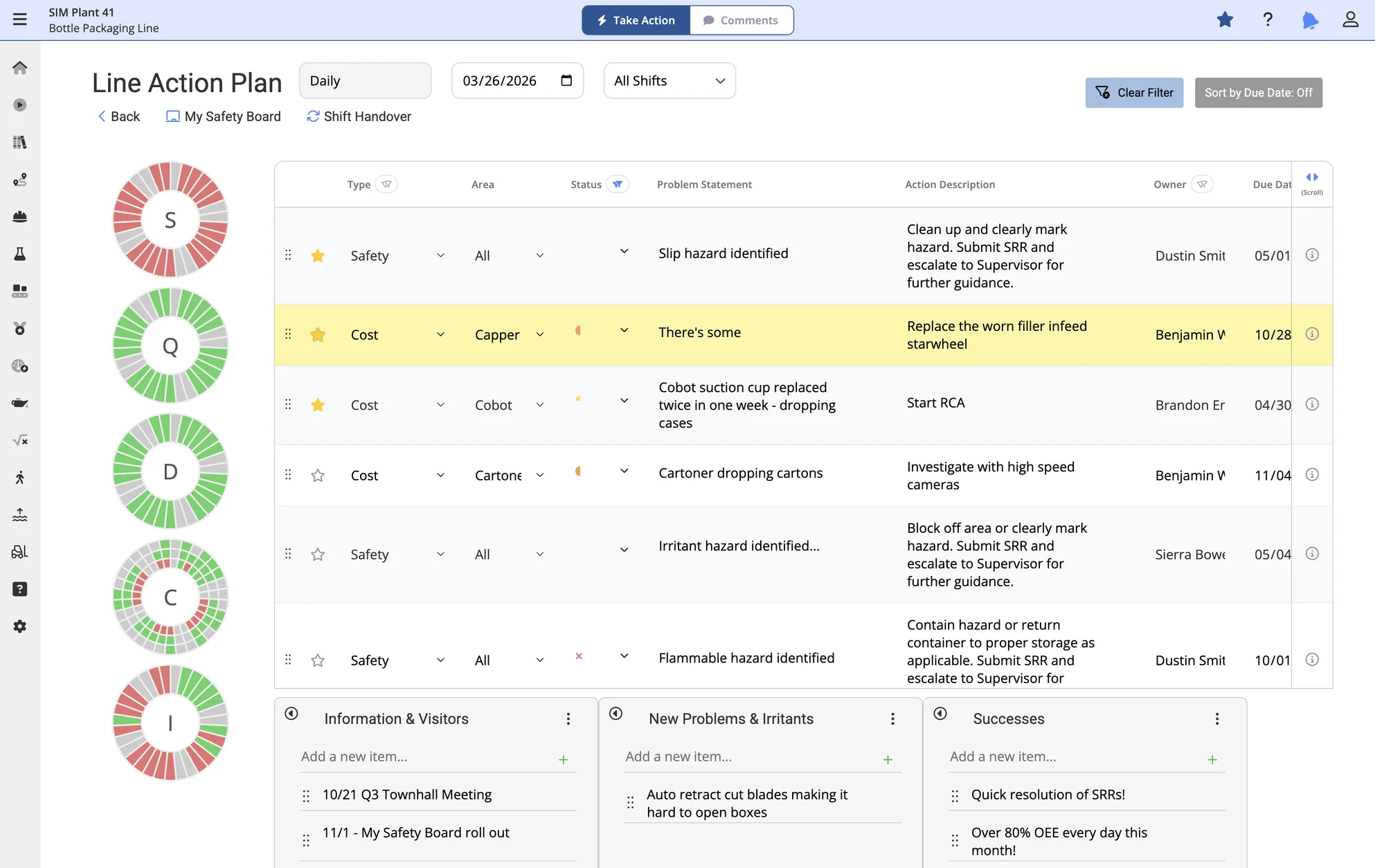
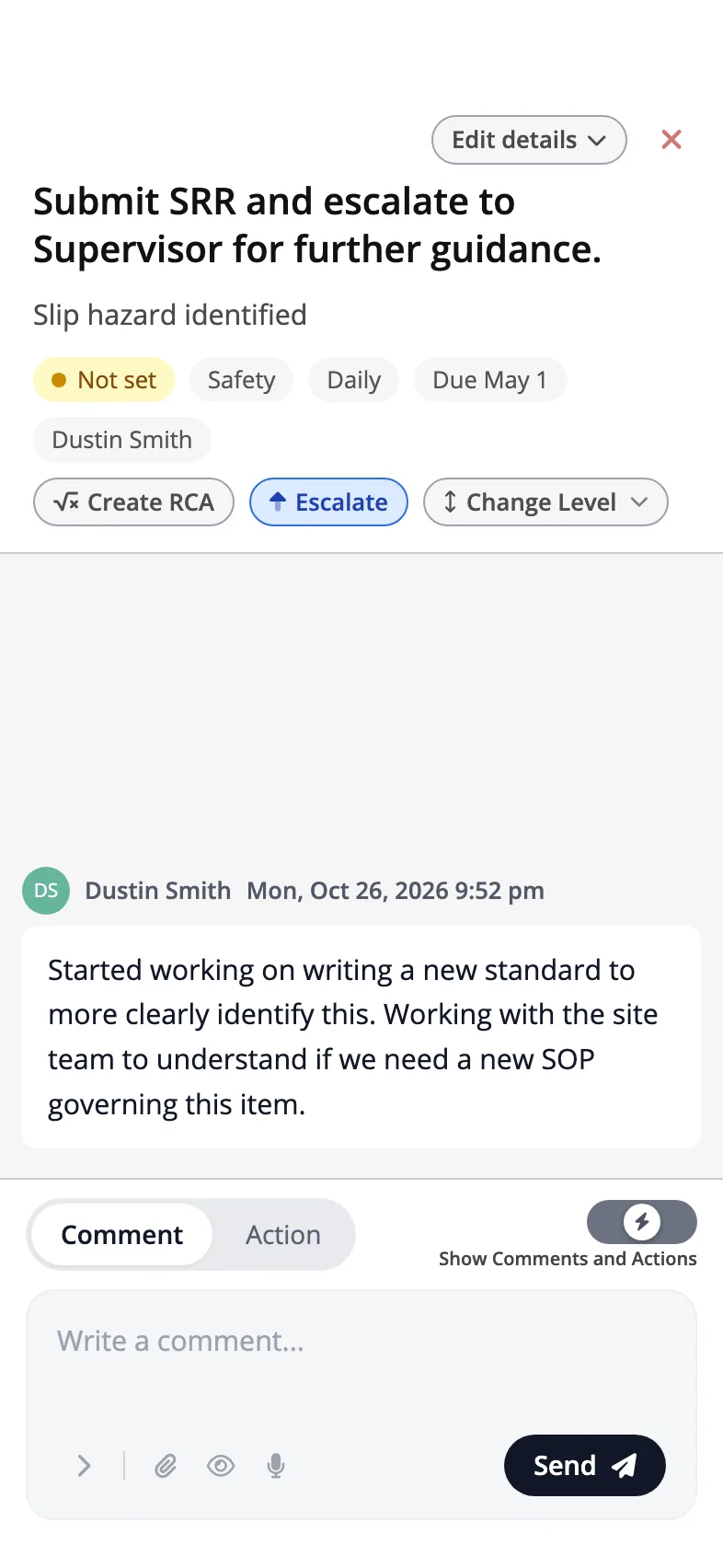
Plant Toolbox runs production tracking, downtime and performance, quality, safety, maintenance and action plans on one plant-floor system. The team can see which machine holds back the whole line, not only which one is down.
- Production and downtime. Live and hourly availability and performance for each line. Quality is not part of this figure yet.
- Line constraint. Each machine is running, blocked, starved or faulted, and the constraint on the line is named.
- Quality, safety and maintenance. Batch records with RFID-tagged paper, review queues, incident reports, work permits, work orders and calibrations.
- Action plans and the floor. Root-cause analysis and action plans at plant, site, department and line levels, shop-floor boards, and device connections for production and downtime data.
- Decisions it simplifies
-
- Which machine to fix first to get the whole line running again.
- Whether a downtime event needs a root-cause review and an action plan, and who owns it.
- Whether a batch is released, with the decision, its owner and its date on the record.
- Which maintenance work or safety action comes next, and who approves it.
 Parking enforcement and payments
 Lot A, Main St.
Reading plate…Plate read
8ABC123Read by camera
8ABC123Strong match
8A8C123Close match
9MNC388No match
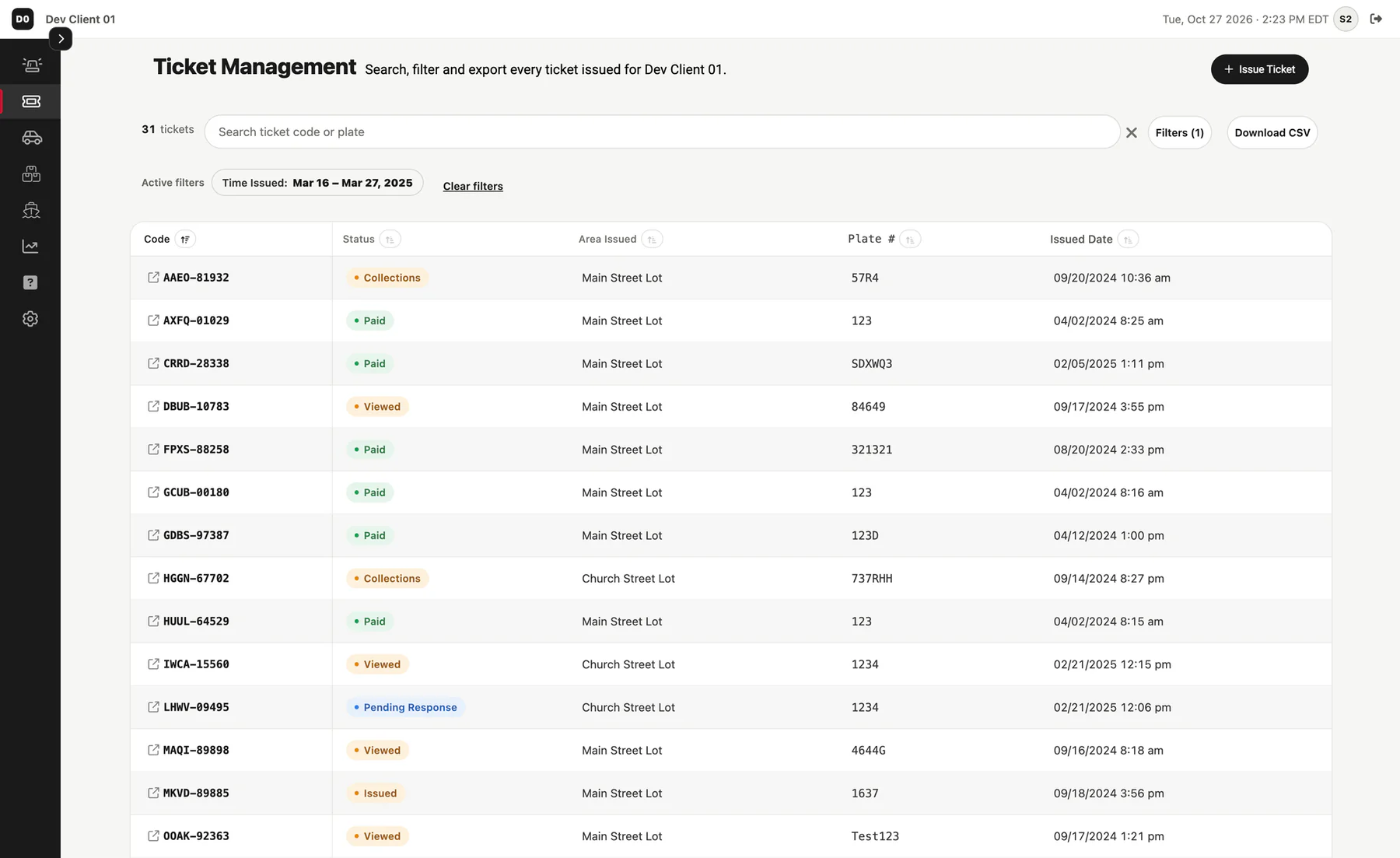
Sticky Tickets gives officers ticketing on phone-sized screens. It checks plates against live vendor data where a vendor is connected, and lets drivers pay or dispute online. Repeat-parking rules are set per zone, and fine escalation pauses while a dispute is open.
- Officer handheld. Plate reads, QR and barcode scans, GPS and violation alerts in one phone app.
- Plate checks. Checked against live vendor data where a vendor is connected. If a vendor cannot be reached, ticketing carries on.
- Repeat parking. Set per zone. The days a vehicle is seen in a rolling window set when a warning, citation or boot-eligible flag fires. You name the levels.
- Two-step escalation. Fines step up on two dates you set for each violation, and stop once the ticket is paid.
- Payments and disputes. Drivers pay or dispute online. Payments go to the operator's connected payment account.
- Decisions it simplifies
-
- Whether a vehicle seen often enough in a zone gets a warning, a citation or a boot-eligible flag.
- How far a fine steps up, and on which dates.
- Whether a dispute should hold the clock. It does, and if the dispute is denied the dates move on by the time it was open.
- Whether to ticket a plate that shows a valid paid session. The officer sees a warning and must click Issue Ticket again to go on.
Repeat-parking rules run on the server, and they can create a ticket with no officer step. Operators set those rules per zone.
 Custom business solutions
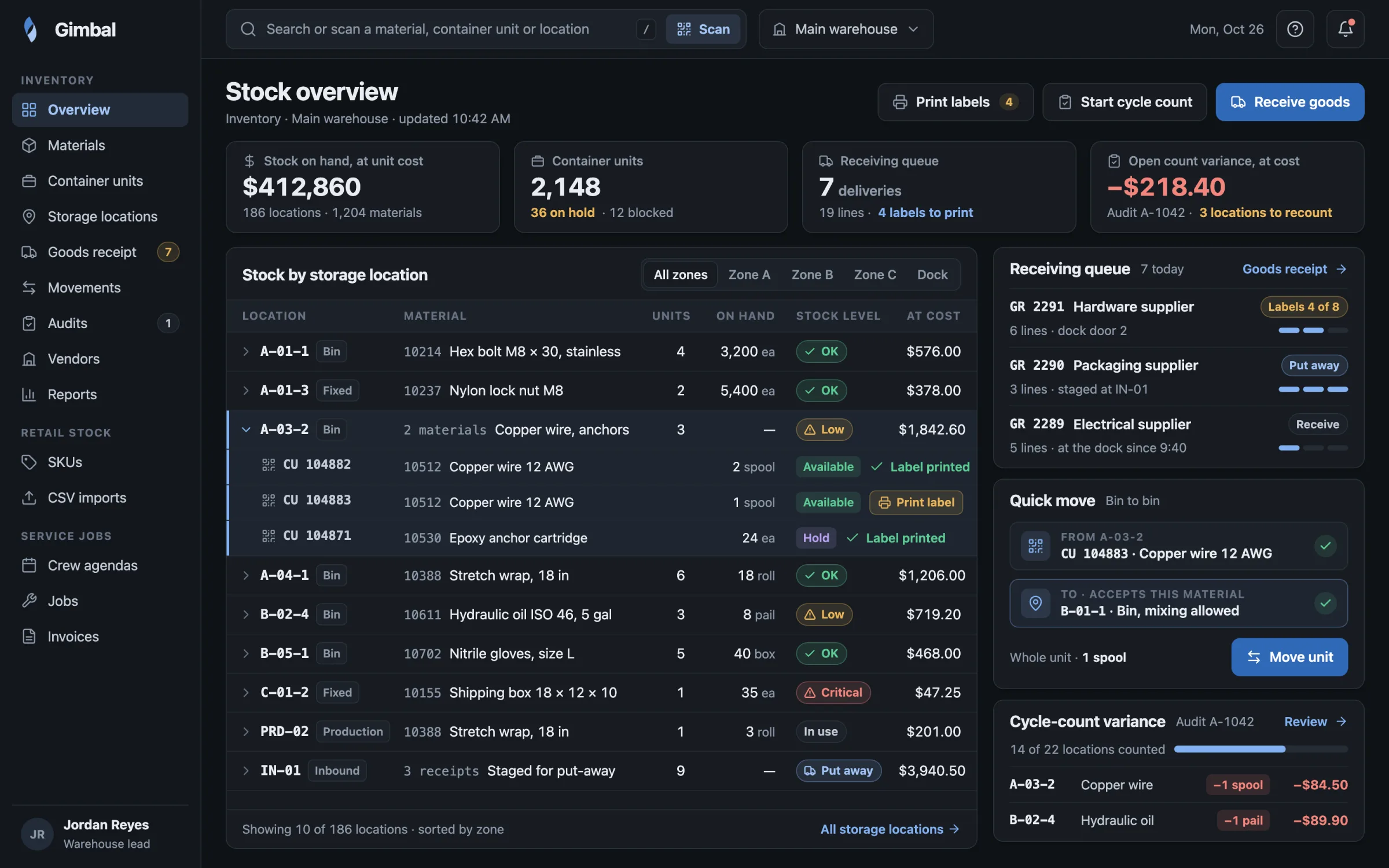
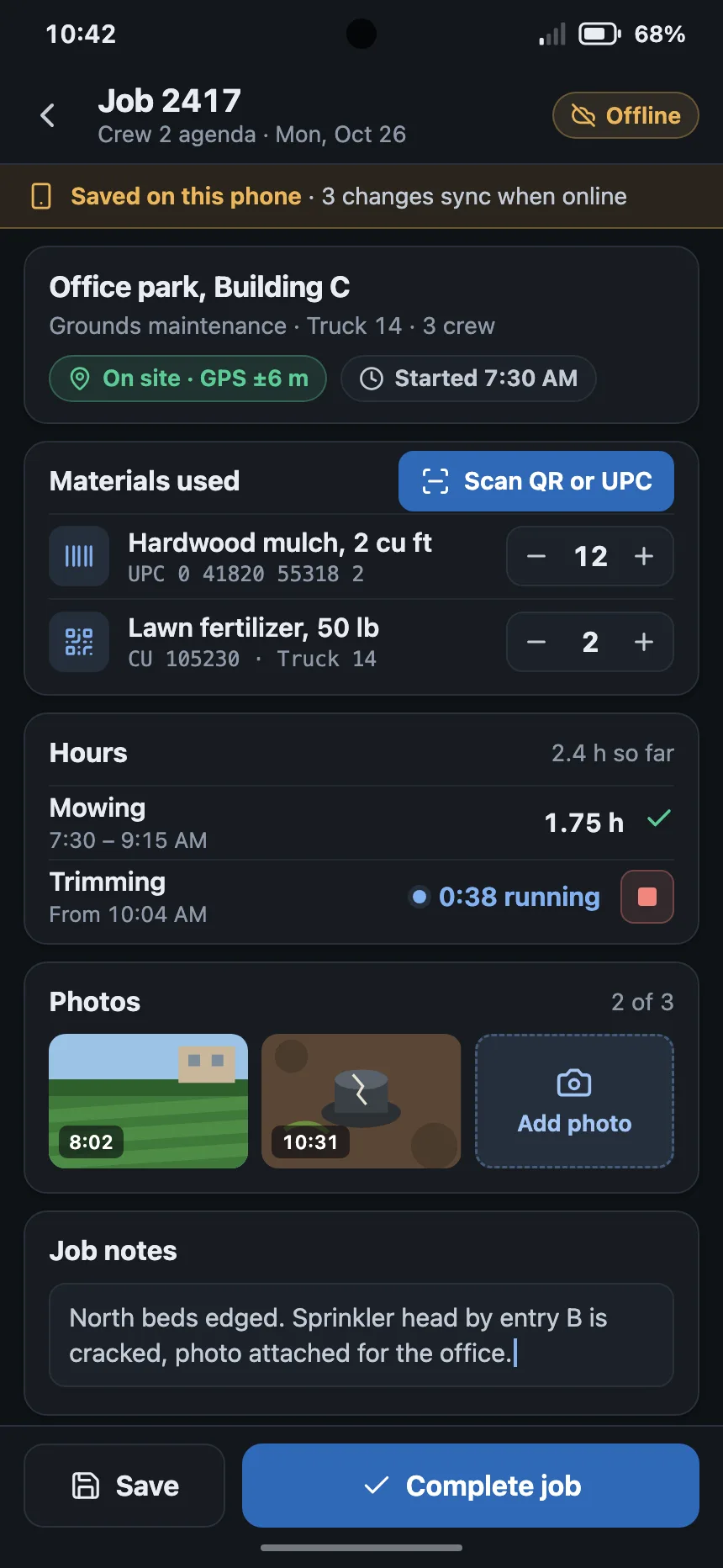
Gimbal is how we give one business its own custom solution when a dedicated platform for its whole industry does not make sense. The business gets the security of our environment and ecosystem, with full customizability and no separate vertical.
- Custom workflows, screens, reports and modules. Built around how this business runs, not around a standard industry template.
- Per-client settings. Each client sets its own options and rules inside the shared system.
- Our security and care. Access checks, monitoring, support and updates for the environment your solution runs on.
- Proven starting modules. Inventory and warehouse, retail stock, and service jobs through to invoices. An Android companion app adds barcode and QR scanning and GPS in the field.
- Decisions it simplifies
-
- Where received stock is stored, and what has moved since it arrived.
- Whether counted stock matches the record, and what to correct.
- What stock on hand is worth, valued at cost.
- Whether a service job is ready to invoice, from the crew agenda record.
 Chariot by BrightBase Parking operations
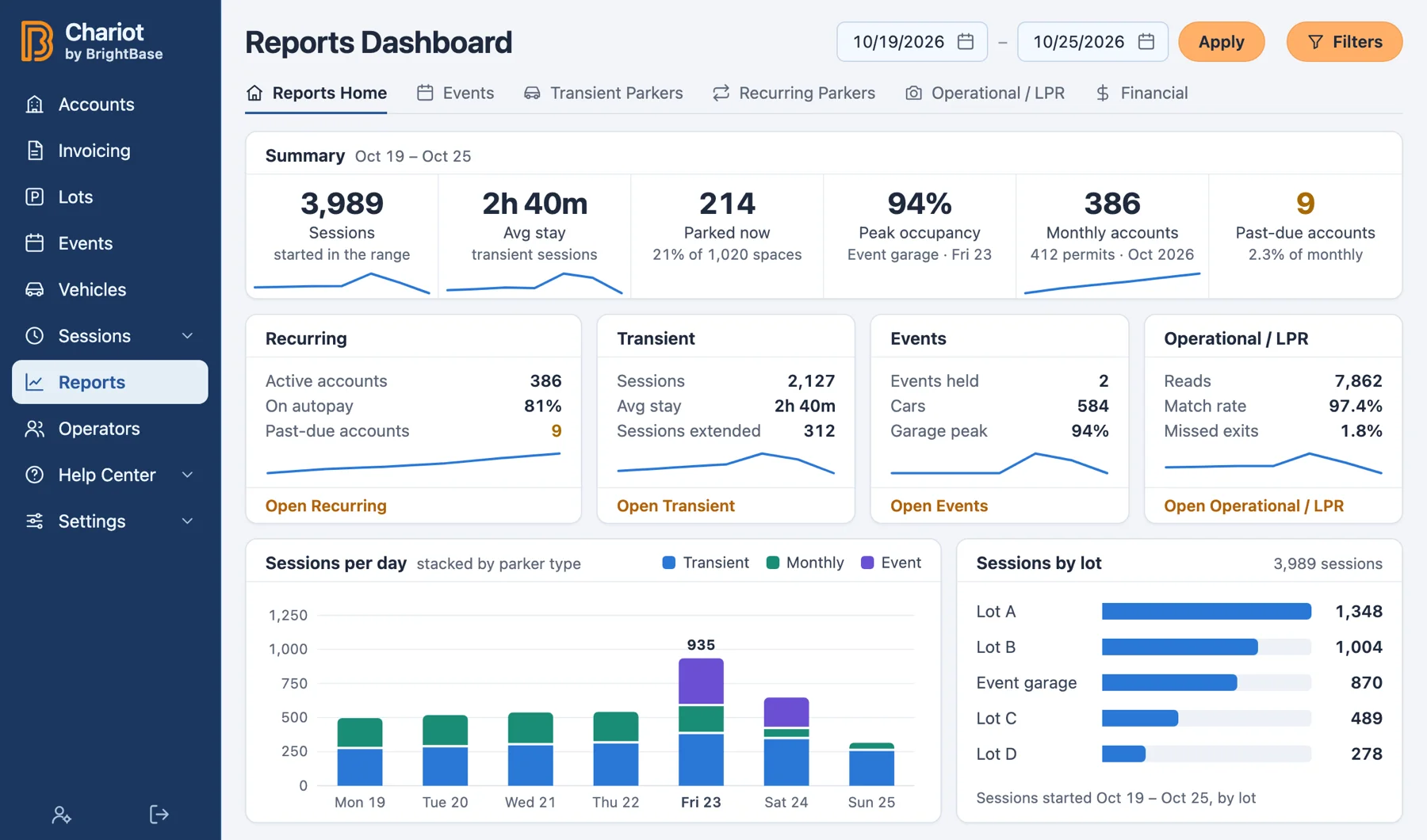
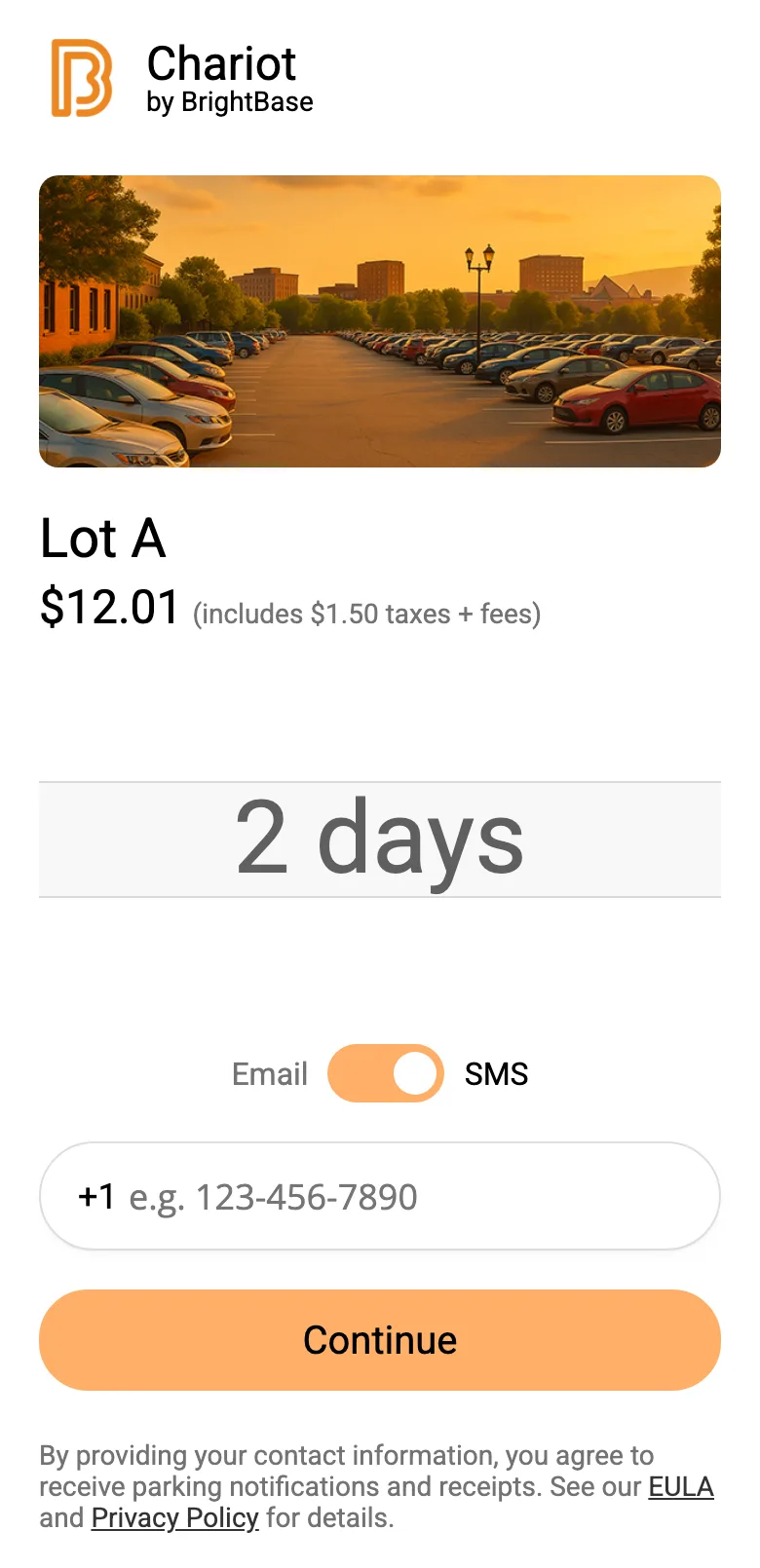
Chariot runs paid parking for operators. Drivers scan a lot's QR code to park and pay on their phone, and monthly parkers are billed by invoice, with autopay. Plate cameras open and close stays, and low-confidence plate reads go to staff for review.
- Scan to park. Drivers scan the lot's QR code or type the lot ID, pick a rate, choose a text or email receipt and pay on their phone. They can add time later from the same phone. Nothing to install.
- Monthly parking and invoicing. Contracts link an account to a lot. Monthly invoices are generated, autopay charges the card on file on the due day, and staff are told when autopay falls short.
- Plate cameras with a person in the loop. Camera reads open and close stays. A read below the confidence threshold goes to a review queue, where staff confirm, correct or reject the plate.
- Lots, rates and events. Each lot has its own rate schedules, and events have their own rates. At an event, attendants take card payments on a countertop card reader.
- Works with Sticky Tickets. Chariot sells and bills the parking, and Sticky Tickets enforces it. Once lots are linked, officers see Chariot stays when they check a plate.
- Decisions it simplifies
-
- Whether a plate read can be trusted. Below the threshold, a person confirms, corrects or rejects it, and a rejected read is never billed.
- Whether to charge a card when no exit was seen. By default, it is never charged.
- How a partial payment is split. It goes to the location line items you choose, smallest balance first.
- Whether a plate already on another account can move or be shared. Staff approve, or deny with a reason, and the driver is told either way.
What separates [Plant Toolbox] from other OEE solutions is, simply put, it's end-user focused... I've worked with a lot of different OEE solutions. I keep coming back to Ryca Solutions as being by far and away the best, most all-inclusive and most user-friendly, with the end-user in mind, built of all the solutions that I've seen.
Supporting technology.
None of these is a separate line of business. We are not a print or circuit design shop: this work serves the systems we build and run with you.
-
Websites
When you want to market an application or offering we built together, we build its website on the same framework. Examples include Walden Club and BrightBase.
-
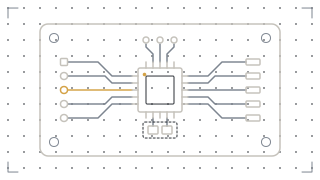
Circuit design
When an offering needs to connect a sensor, a device or a control to the system, we design the circuit and build it into the offering.
-
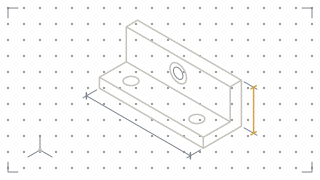
3D design and CAD
When a system needs a physical part, we design it in CAD, print it, and test it with the software it serves.
-
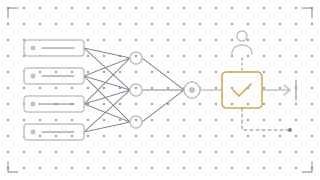
Custom decision models
Each one is built for one of these solutions, trained on your own data, and proposes a next step for a named person to approve. None is part of these products as delivered today.